

The setup process for Hootsuite involves adding profiles for each of the sites you want to use with Hootsuite. Here’s how to sign up for and setup Hootsuite.
Step 1: Creating Your Hootsuite Account
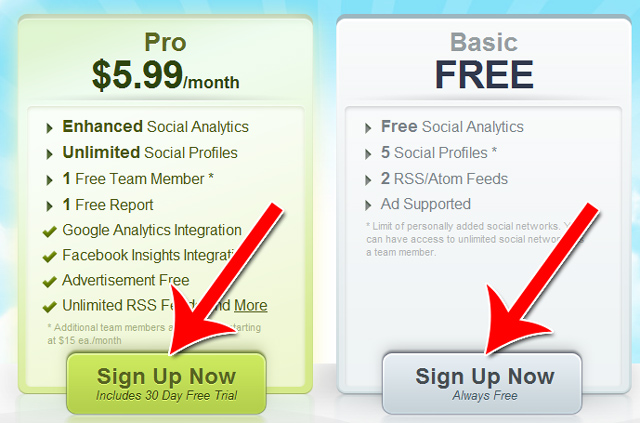
Start by clicking on “Signup” in the home screen.

Then select which plan you want to sign up with.
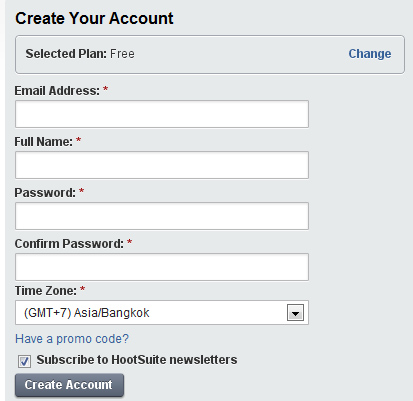
Then create your account.
Step 2: Adding Your First Social Network to Hootsuite
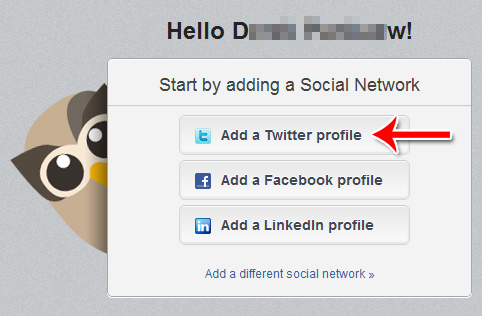
Upon landing on your home screen, you’ll be presented asked whether you want to add a Twitter, Facebook or LinkedIn account.
Hootsuite supports several more network than these three, but the first time around Hootsuite assumes you’ll want to add an account from one of the bigger networks. You can also click “Add a different social network” at the bottom to add a different network.
Choose the network you want to add. For this tutorial, we’ll start with Twitter.
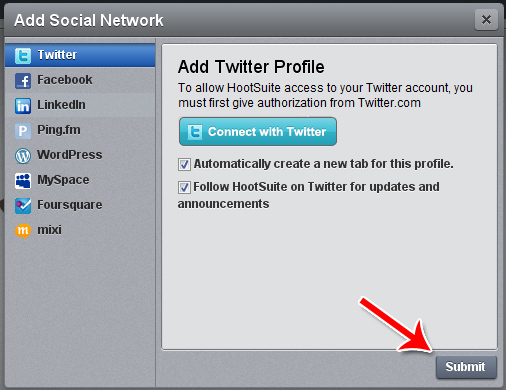
A box will popup asking for authorization. Click “Submit.”
Then enter your username and password to your Twitter account.
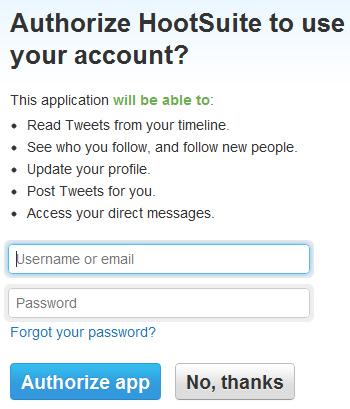
Upon authorizing the app, Hootsuite will then be able to connect your account to their system.
Step 3: Adding More Accounts
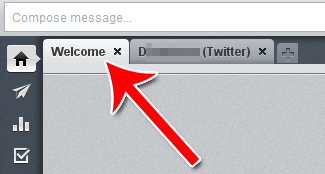
To add more accounts, click on the “Welcome” screen.
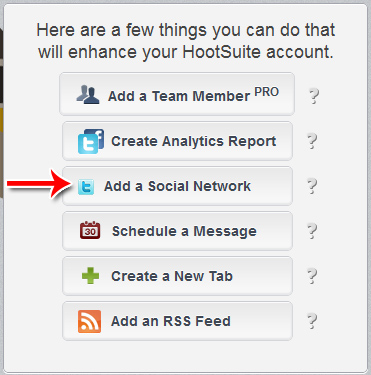
Select “Add a Social Network.”
Choose from the list of social networks.
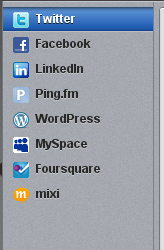
Then follow that social network’s specific setup procedure.
